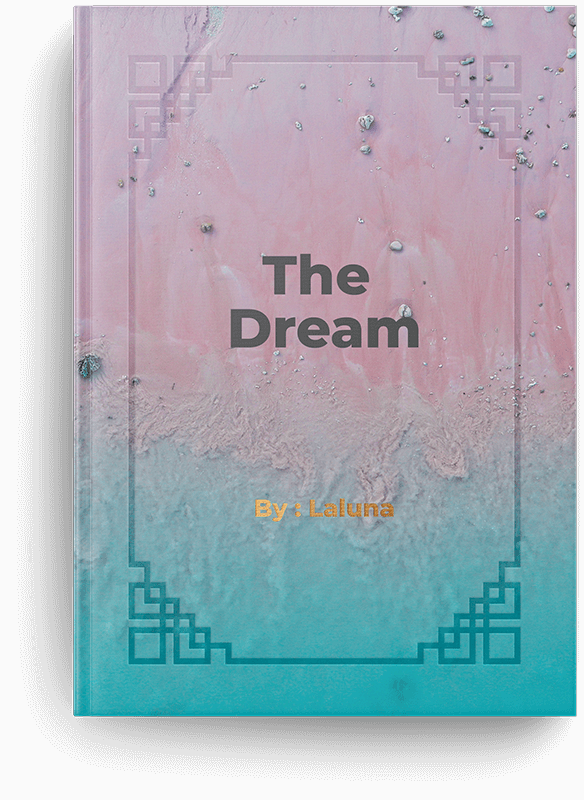
It is a beautifully designed template that combines elegance and creativity to showcase books and manuscripts with a modern, refined aesthetic.


Every page of the Laluna experience is thoughtfully designed to reflect emotion, beauty, and meaningful storytelling. We create elegant layouts and refined details that turn simple ideas into memorable visual expressions. From timeless aesthetics to carefully crafted elements, every design is made to inspire creativity and connect with your imagination.
Discover our beautifully crafted medals designed to celebrate achievement, elegance, and timeless style.



Books are written to perfection with elegant design, thoughtful structure, and timeless presentation.
It is all about the best manuscripts crafted with creativity, clarity, and timeless visual elegance.
General Questions are answered to help users easily understand the Laluna template, its features, and its creative design structure. It provides clear guidance for authors, publishers, and visitors to explore the platform smoothly.
You can change your photo from the admin dashboard by logging into your account and navigating to the profile or settings section. From there, simply upload a new image, save your changes, and your updated photo will be reflected across the platform.
You can easily change your password by logging into your admin dashboard and opening the account settings section. From there, select the change password option, enter your current password followed by the new one, then confirm and save to update it securely.
You can change your subscription plan using PayPal by accessing your admin dashboard and going to the billing or subscription section. Select the option to update or upgrade your plan, choose PayPal as your payment method, and confirm the changes to activate your new subscription successfully.
You can change your photo from the admin dashboard by logging into your account and navigating to the profile or settings section. From there, simply upload a new image, save your changes, and your updated photo will be reflected across the platform.
You can easily change your password by logging into your admin dashboard and opening the account settings section. From there, select the change password option, enter your current password followed by the new one, then confirm and save to update it securely.
You can change your subscription plan using PayPal by accessing your admin dashboard and going to the billing or subscription section. Select the option to update or upgrade your plan, choose PayPal as your payment method, and confirm the changes to activate your new subscription successfully.